How to Send a SEPA Payment with Wirex Business
SEPA (Single Euro Payments Area) allows for fast and secure euro-denominated transfers across Europe. With Wirex Business, sending SEPA payments is seamless, reliable, and free of charge.
Before you can send a SEPA payment, you’ll need to create a recipient — a reusable template that stores your recipient's payment details. Once saved, you can send payments to this contact any time.
TABLE OF CONTENTS
Creating a Recipient
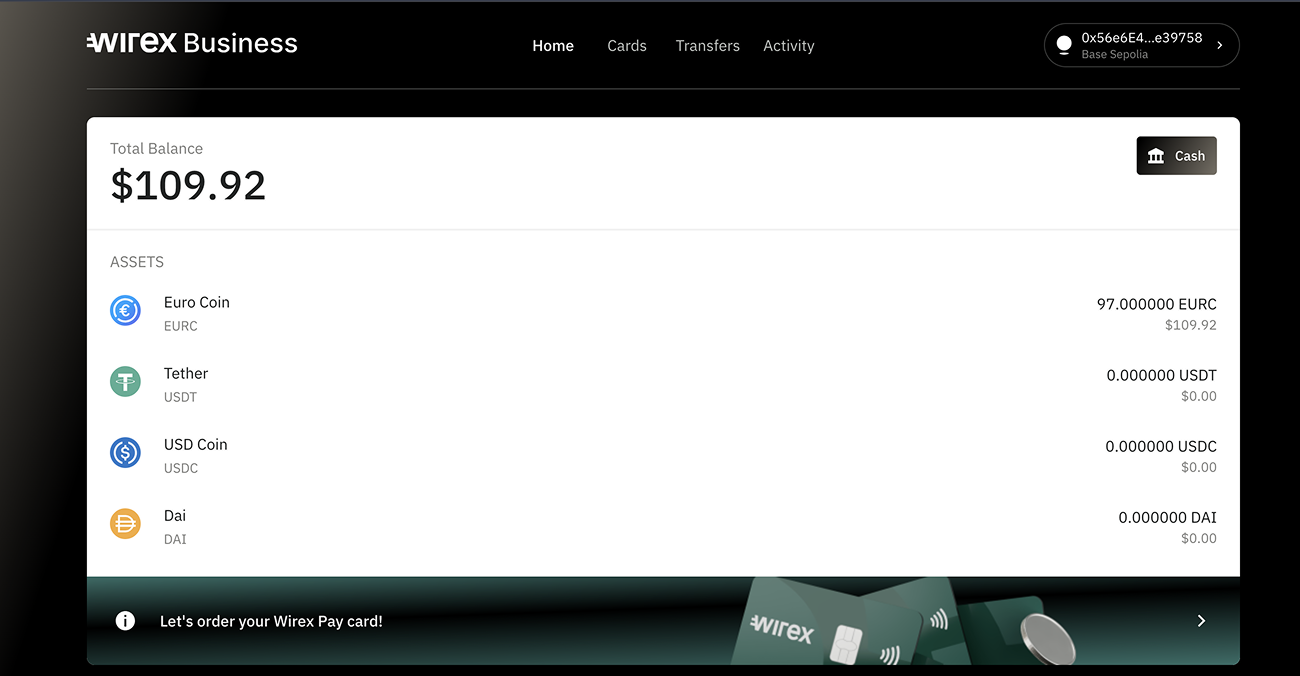
1. Open Wirex Business
Log in to your Wirex Business account.
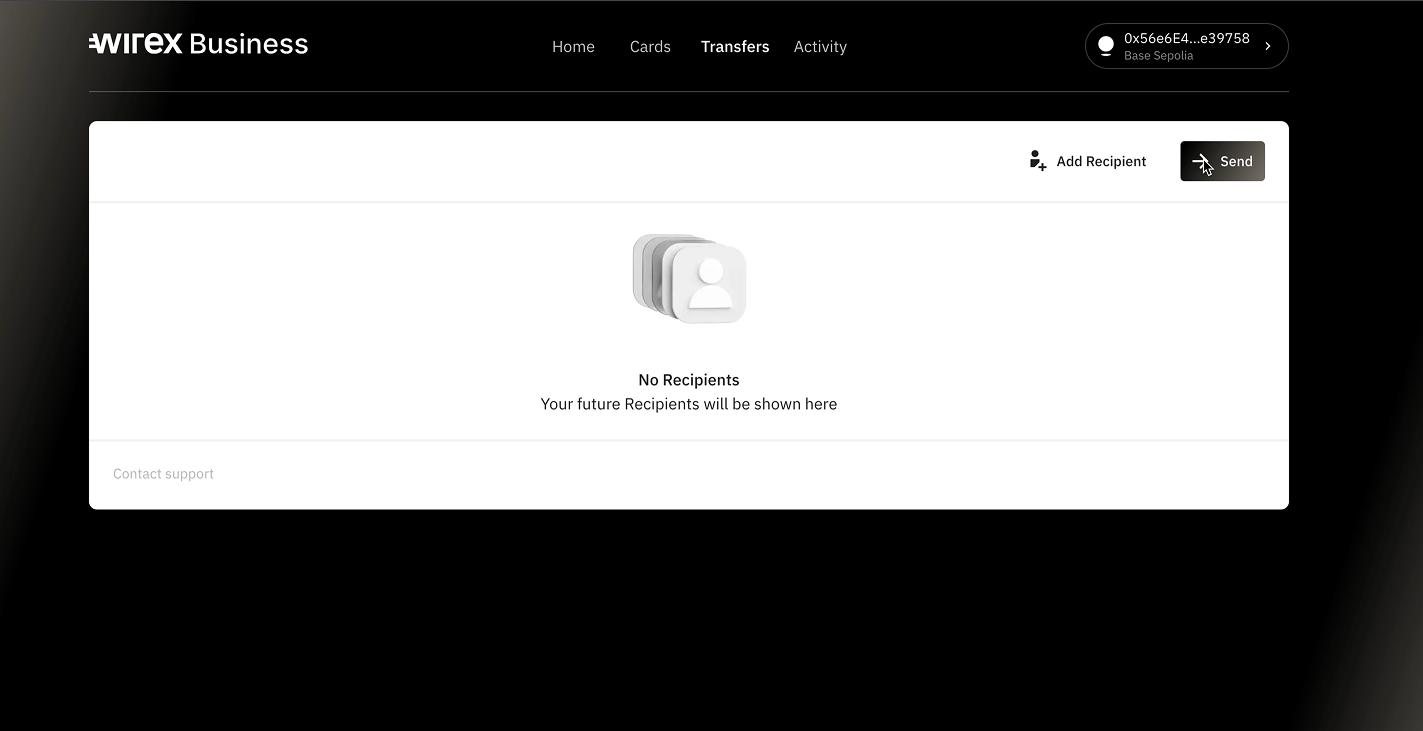
2. Head over to Transfers and click Send
Open the “Transfers” tab from the top menu and click "Send" to start creating a new recipient.
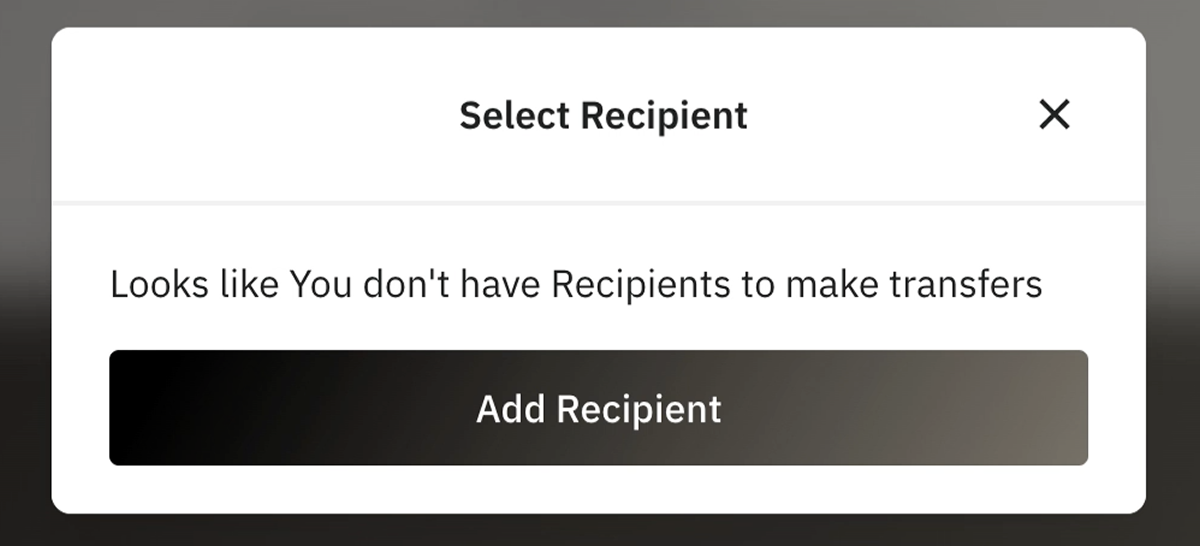
3. Click Add Recipient
You’ll be prompted to enter your recipient's details.
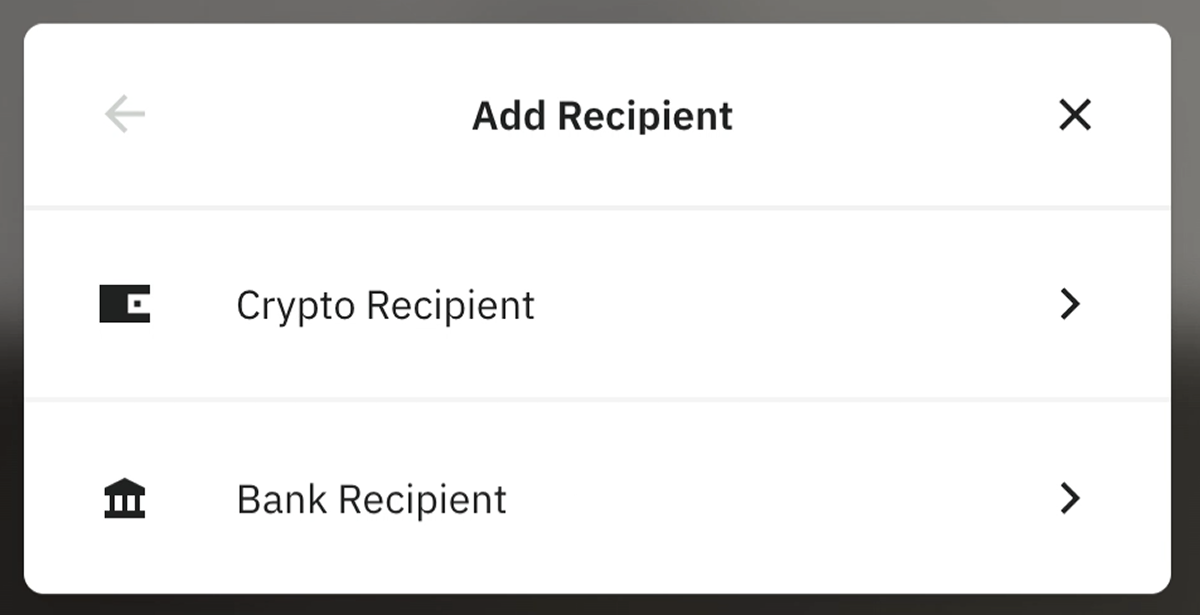
4. Choose between Crypto or Bank recipient
Select Bank Recipient to create a recipient for SEPA payments. (Crypto recipients are supported as well, we will cover them in a separate article)
5. Choose between Business or Individual
For Business: Enter IBAN, BIC, and Business Name
For Individual: Enter IBAN, BIC, First Name, and Last Name
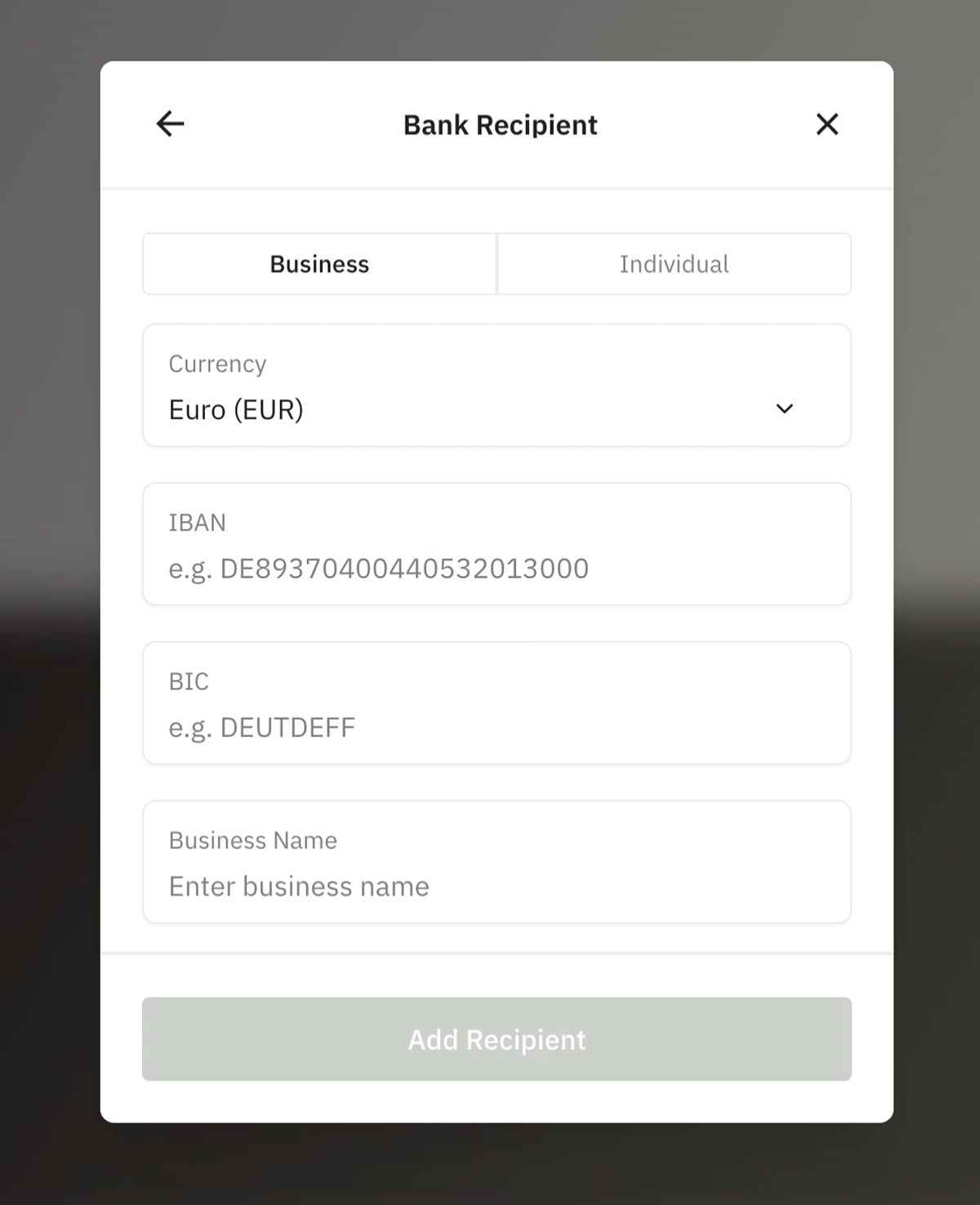
6. Click Add Recipient
Once all required fields are filled in, click to save the recipient.
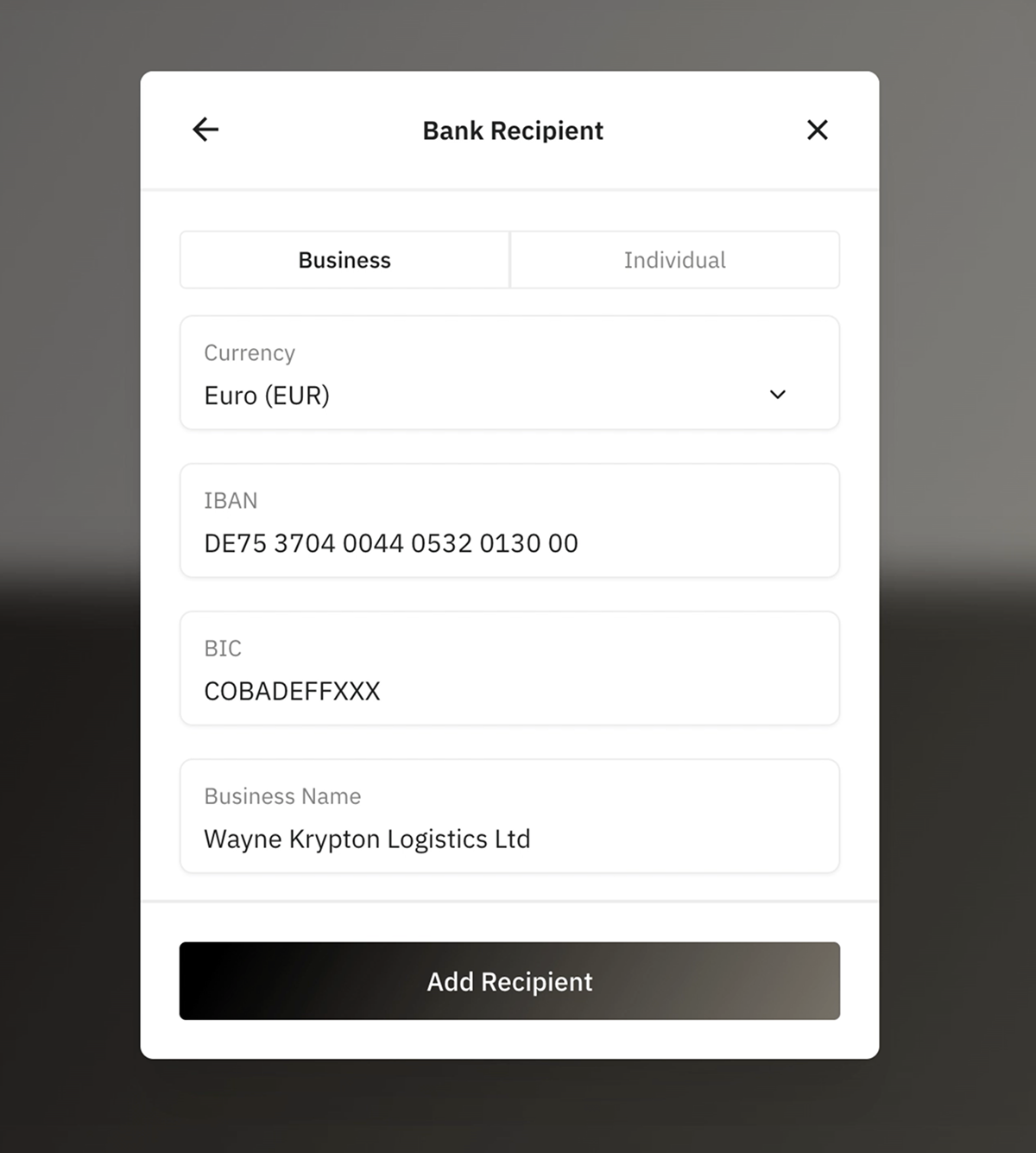
✅ Congrats! Your recipient has been created. You can now use it anytime to make SEPA payments.
Sending a SEPA Payment
1. From Transfers click on a recipient and hit Send
This brings up your newly added recipient profile. From here, click Send to start a payment.
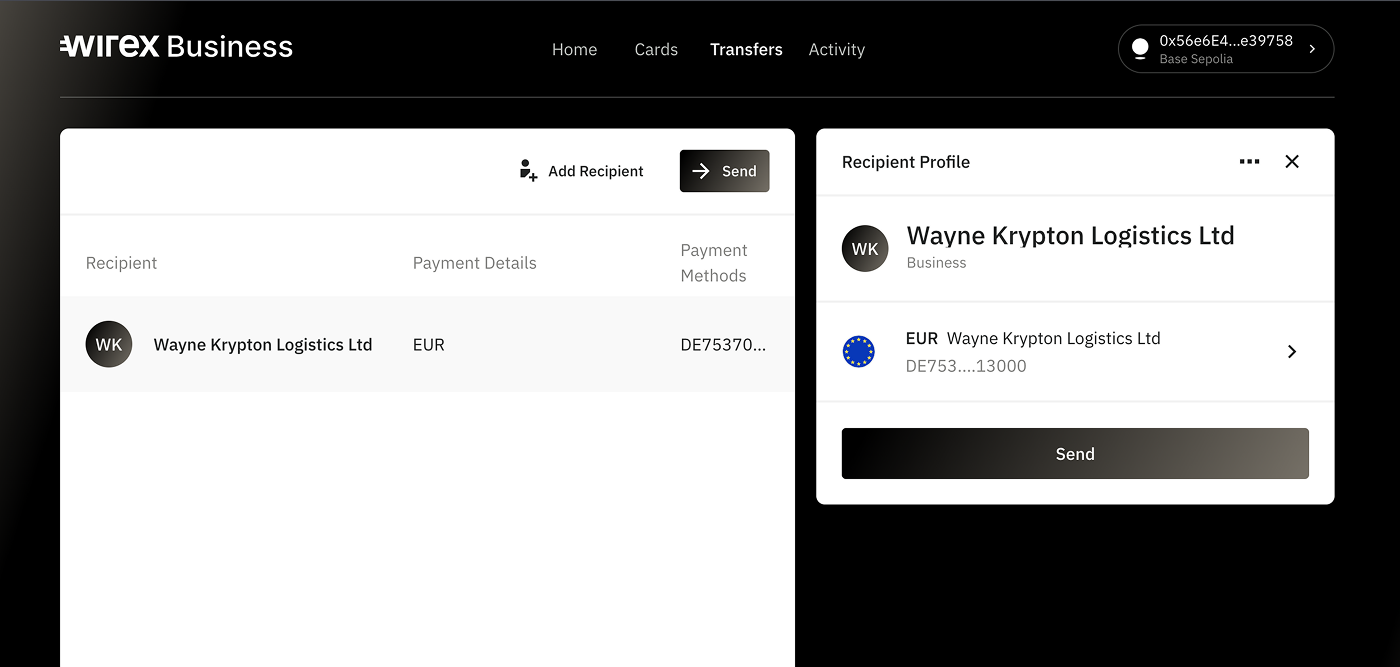
2. Choose payment details
From here you will see the payment details you've just added to your recipient. Click on the details to proceed.
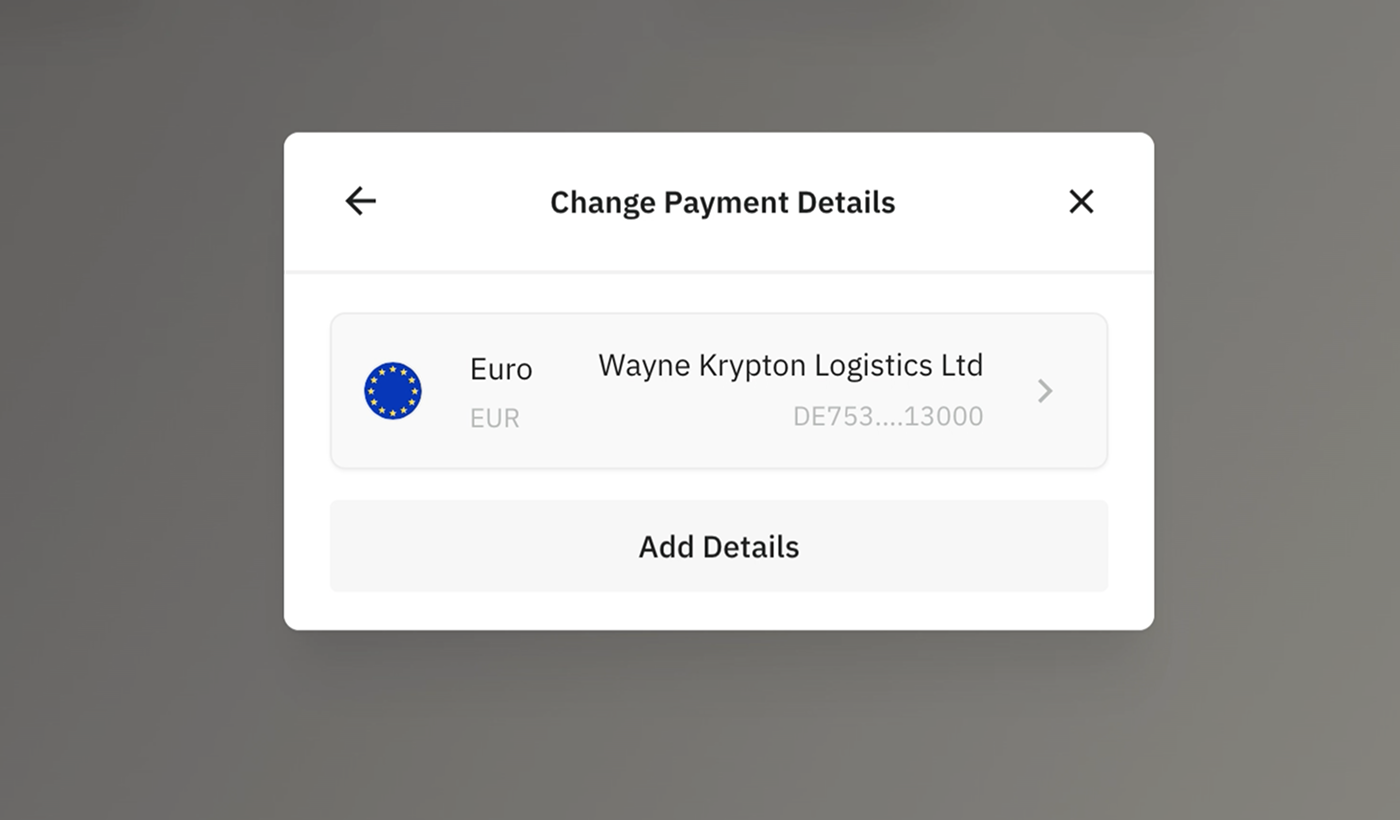
Each recipient you create can be associated with multiple sets of payment details. To add additional payment information, simply click "Add Details". This allows you to manage multiple payment methods under a single recipient profile.
3. Enter the amount you want to send
Specify how much you’d like to transfer.
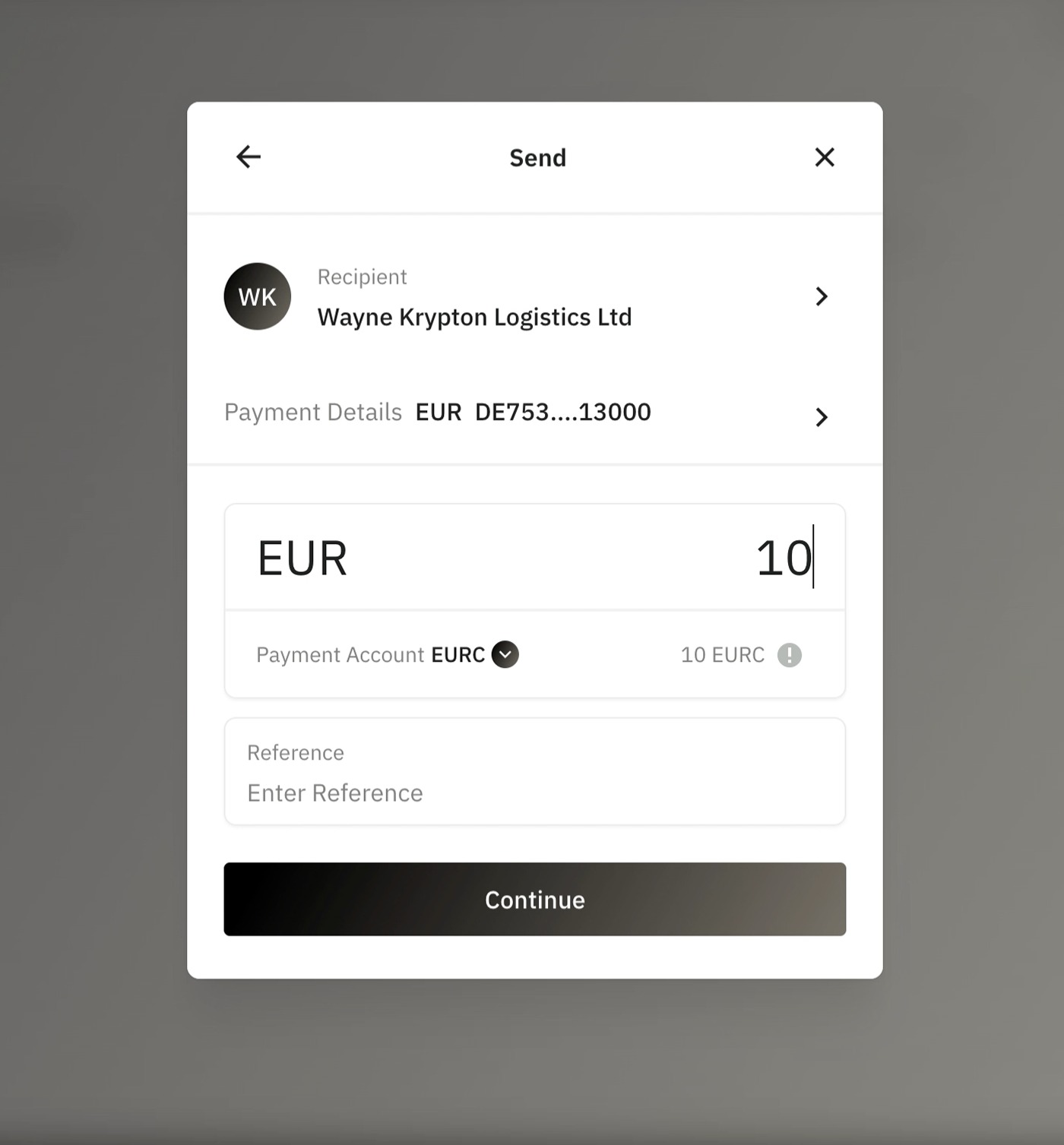
From here you can also choose the payment account (the account from which the funds will be deducted). Click the arrow next to the payment account to pick the source of funds.
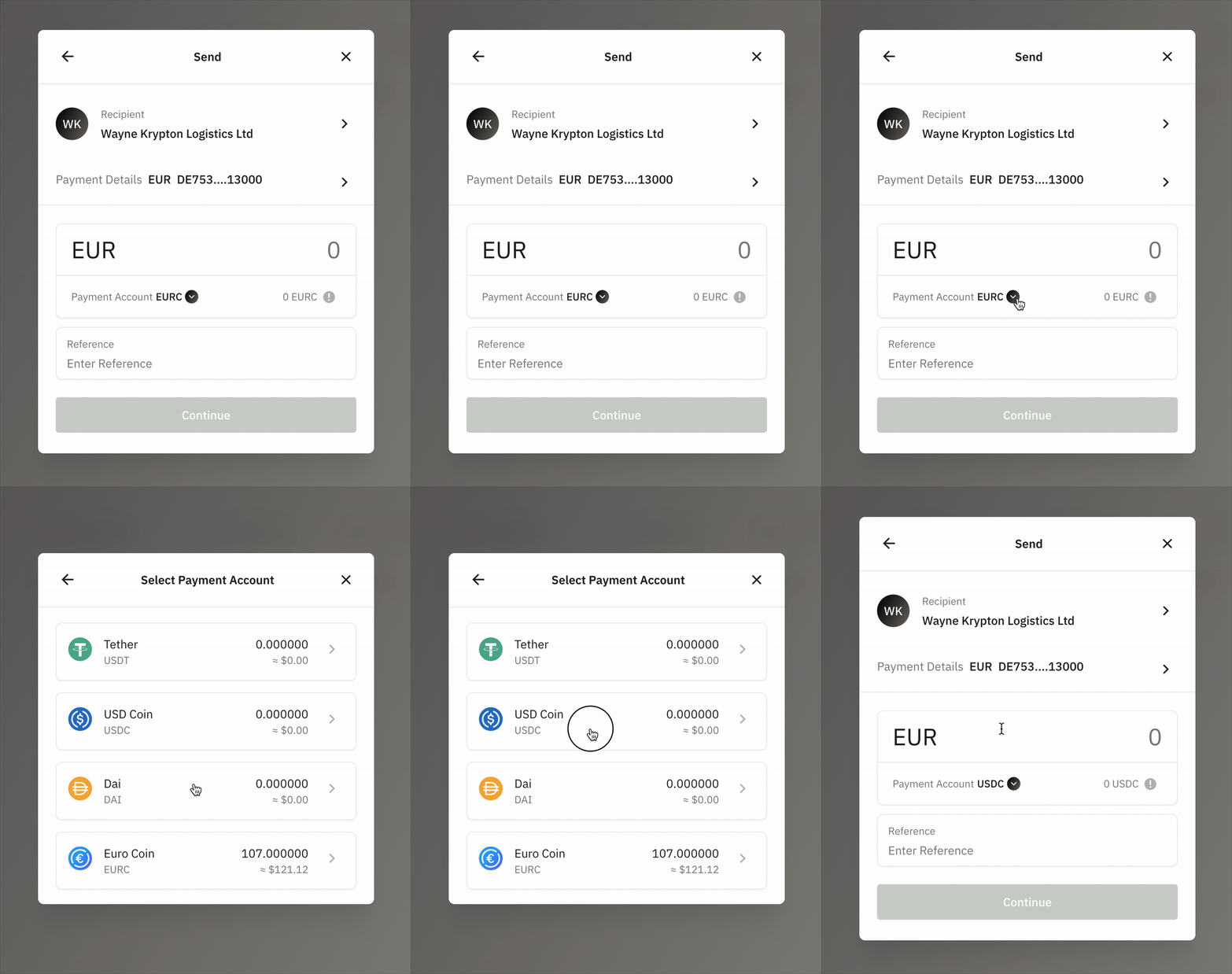
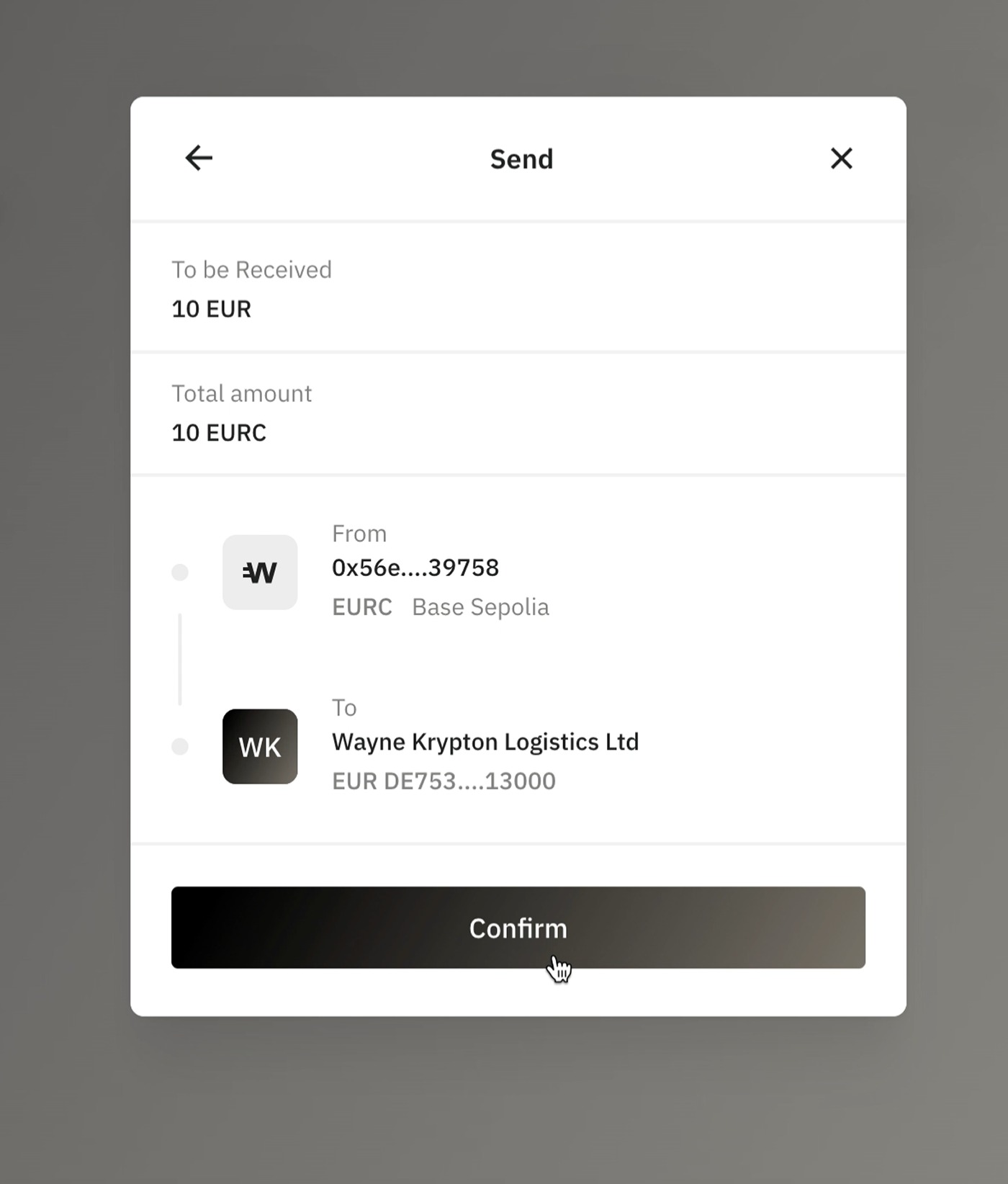
4. Review the payment summary
You’ll see a confirmation screen showing:
Amount
Currency
Recipient details
Double-check everything before continuing.
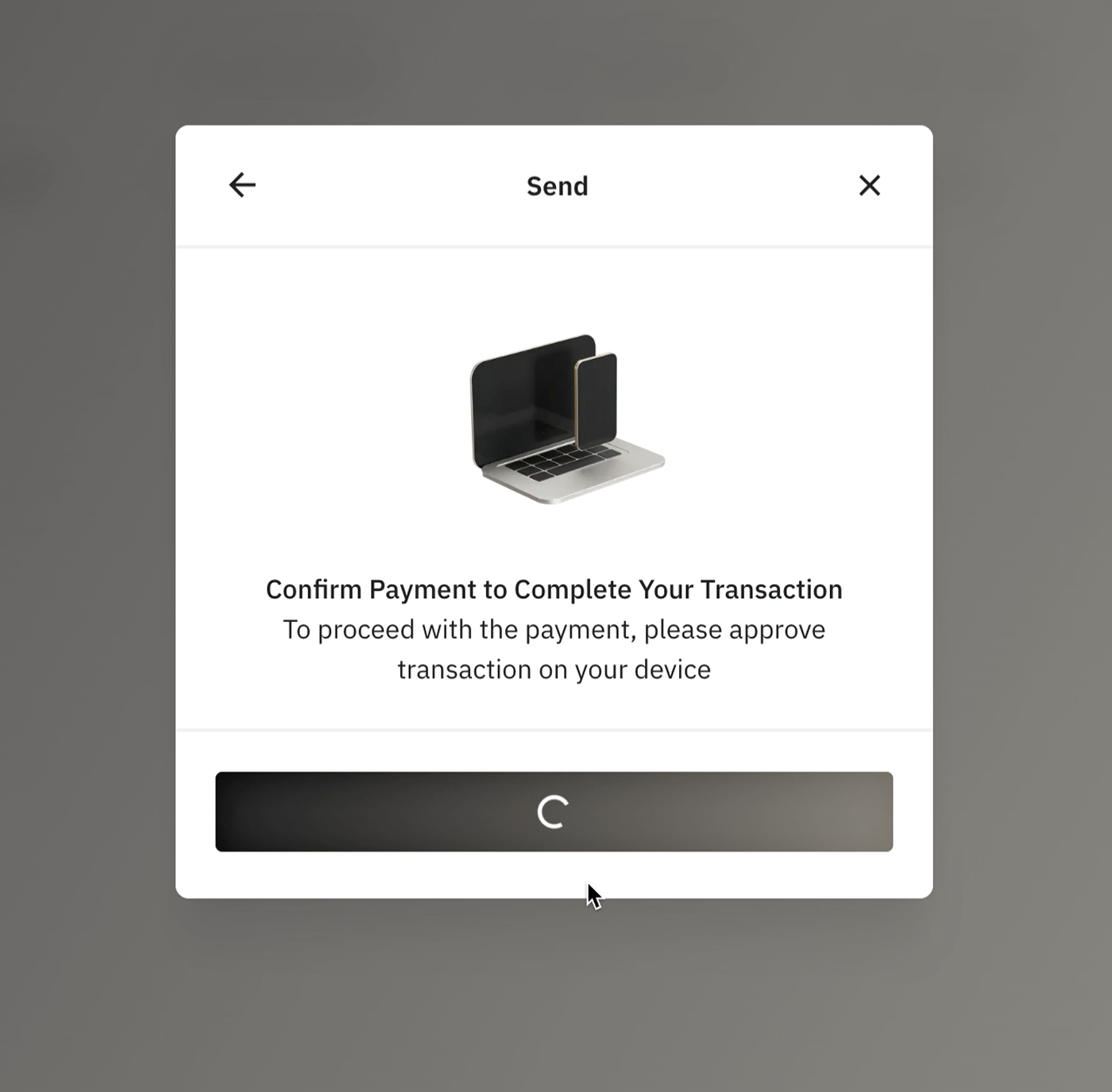
5. Confirm via your wallet
Use your wallet interface to approve the transaction.
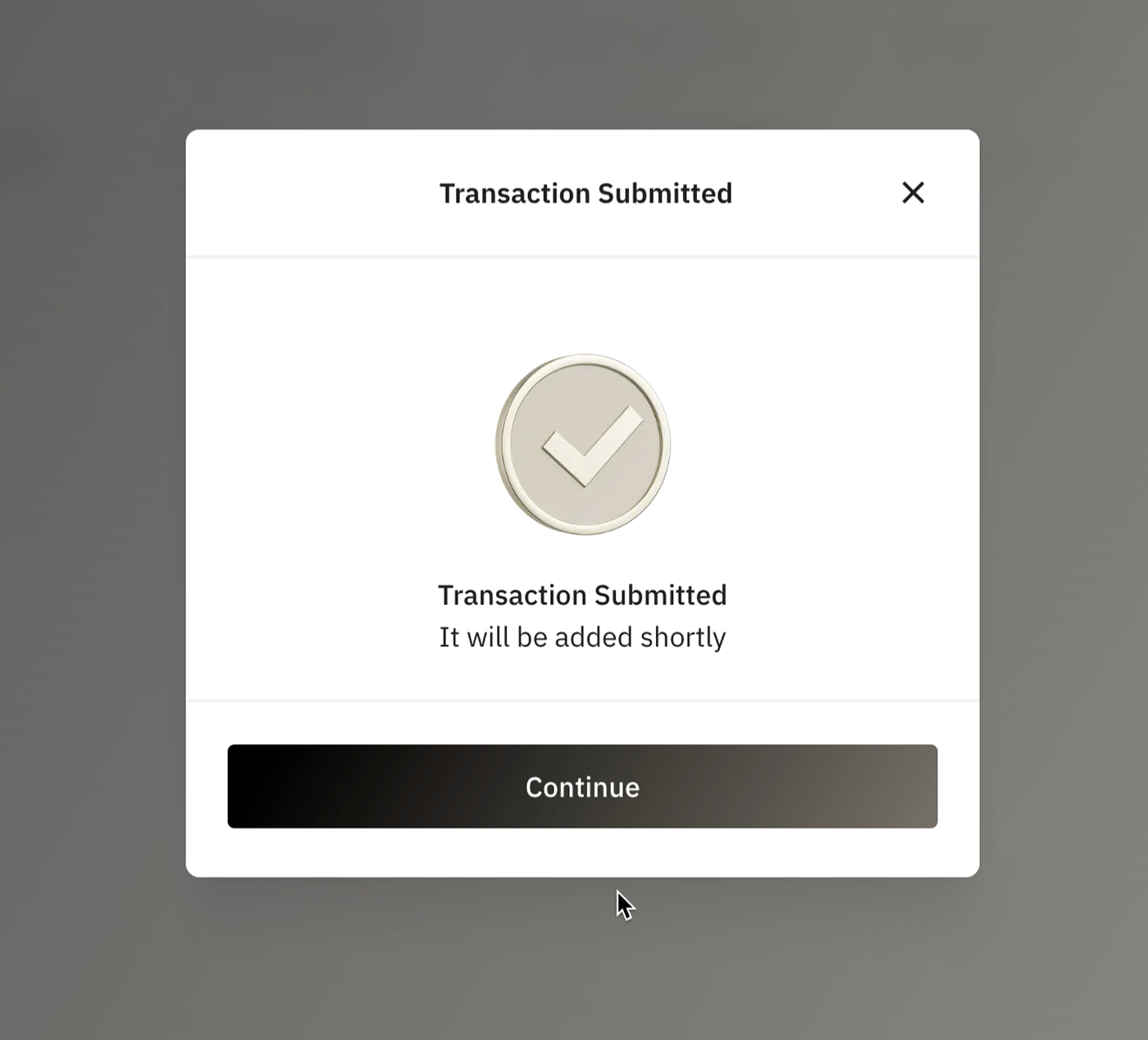
6. Done!
The funds have been sent.
Summary
Sending SEPA payments with Wirex Business is quick and straightforward.
We support:
SEPA Credit Transfer (SCT) – usually completes in 2–3 business days
SEPA Instant Transfer (SCT Inst) – typically completes in 5–10 minutes
The scheme used depends on the recipient’s bank. If the recipient supports SEPA Instant, your payment will be sent instantly. Otherwise, it will be processed as a regular SEPA Credit Transfer.
✅ All SEPA payments are free of charge.
Need help or have any questions? Check our dedicated SEPA FAQ, or reach out to our support team via the web widget.
Was this article helpful?
That’s Great!
Thank you for your feedback
Sorry! We couldn't be helpful
Thank you for your feedback
Feedback sent
We appreciate your effort and will try to fix the article